
बिबरन
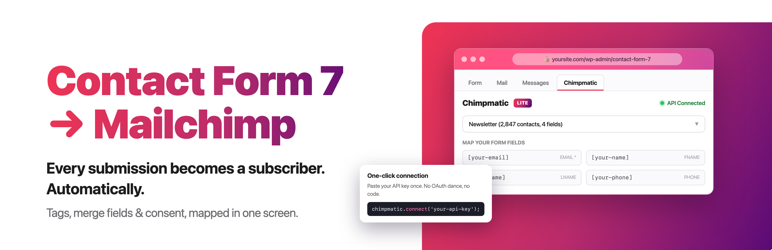
Turn every form submission into a new subscriber. Contact Form 7 Extension connects your forms to Mailchimp, Brevo, MailerLite, Klaviyo, GetResponse, EmailOctopus, Campaign Monitor and Moosend.
Choose an email platform for each form, connect your account, and pick a list. Your next newsletter signup can go to Mailchimp while a separate lead form builds your audience in Klaviyo, all from the Contact Form 7 editor you already use.
Make every signup count
- Grow the list you choose. Send each form to one audience, list, group or campaign. Every form has its own connection and destination.
- Get the details that matter. Send the email address plus any three fields you choose, such as a name, phone number or birthday.
- Welcome confirmed subscribers. Use double opt-in on all eight platforms, following your platform’s confirmation settings.
- Respect your visitors’ choice. Add a consent checkbox so only people who opt in join your list.
- Get started in a click. If Contact Form 7 is missing, install it straight from the setup notice. The plugin also helps you activate or update it when needed.
Already using Mailchimp? Your saved audience, field choices and opt-in settings stay with your forms when you update.
Find your email platform’s setup guide or visit the Help Center.
Ready to do more with each signup?
ChimpMatic Pro sends each signup to several lists, routes people by their answers, adds tags automatically on all eight platforms, and brings along every field your platform supports.
External services
Contact Form 7 Extension sends signup data to your selected email platform and connects to our services for account connections and updates. See the external services and what is shared.
Screenshots
Installation
- Install and activate this plugin. If Contact Form 7 is missing, click Install Contact Form 7 in the setup notice.
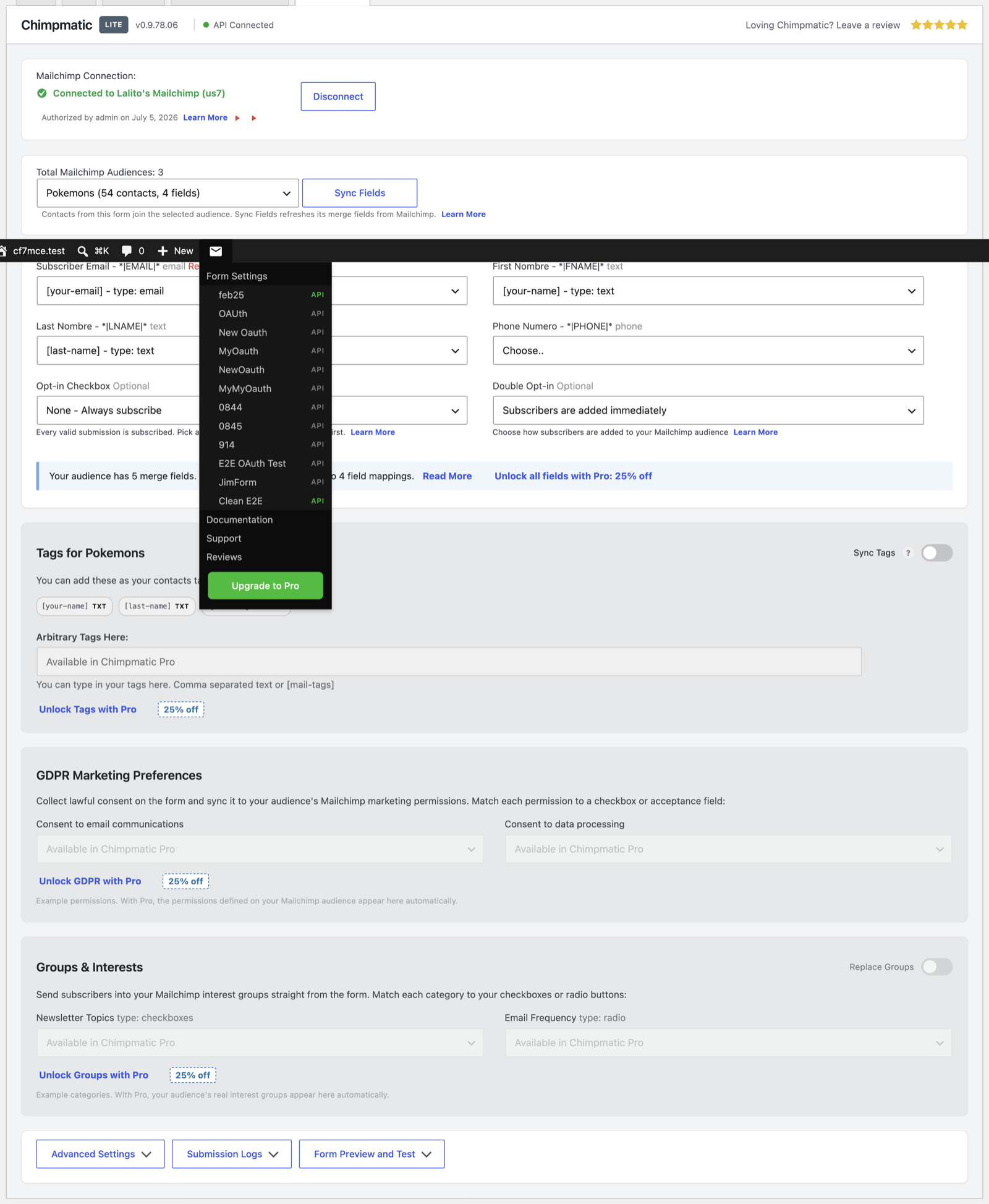
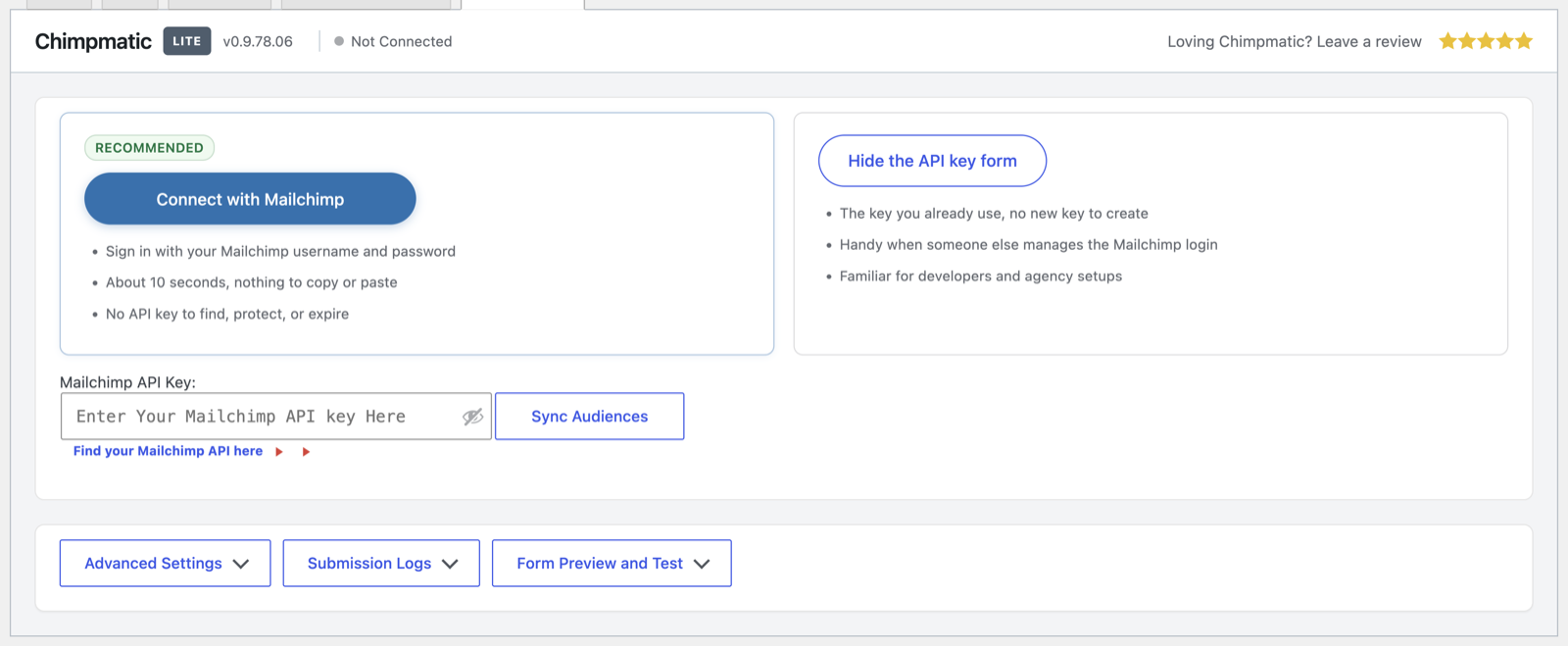
- Open a form under Contact > Contact Forms, then open its Contact Form 7 Extension tab. Choose your email platform, connect your account and select a list.
- Choose your fields, consent and confirmation settings. Save the form and send a test signup.
FAQ
-
Which email platforms can I use?
-
Mailchimp, Brevo, MailerLite, Klaviyo, GetResponse, EmailOctopus, Campaign Monitor and Moosend. Each form can use a different platform and account. You will need an account with your chosen platform; see the integration guides for its requirements.
-
Which fields can I send?
-
The email address plus any three fields you choose from the fields your platform supports. Pick the details you want to use in your next campaign.
-
Can I use double opt-in?
-
Yes, on all eight platforms. Where your platform controls confirmation at the account or list level, those settings apply. See the double opt-in guide.
-
Can I require a consent checkbox?
-
Yes. Choose the checkbox in your form’s settings so a signup is sent only when your visitor checks it.
-
Where can I get help?
-
Visit the Help Center or contact our team.
समीक्षा


Contributors & Developers
“Connect Contact Form 7 to Mailchimp, Brevo, MailerLite, Klaviyo, GetResponse, EmailOctopus, Campaign Monitor & Moosend” is open source software. The following people have contributed to this plugin.
Contributors

“Connect Contact Form 7 to Mailchimp, Brevo, MailerLite, Klaviyo, GetResponse, EmailOctopus, Campaign Monitor & Moosend” has been translated into 13 locales. Thank you to the translators for their contributions.
Interested in development?
Browse the code, check out the SVN repository, or subscribe to the development log by RSS.
Changelog
26.10.18.06
Version 26.10.18.06 release notes
26.10.06.20
Version 26.10.06.20 release notes
0.9.82.00
Version 0.9.82.00 release notes
0.9.81.17
Version 0.9.81.17 release notes
0.9.81.16
Version 0.9.81.16 release notes
0.9.81.15
Version 0.9.81.15 release notes
0.9.81.14
Version 0.9.81.14 release notes
0.9.81.13
Version 0.9.81.13 release notes
0.9.81.12
Version 0.9.81.12 release notes
0.9.81.11
Version 0.9.81.11 release notes
0.9.81.10
Version 0.9.81.10 release notes
0.9.81.09
Version 0.9.81.09 release notes
0.9.81.08
Version 0.9.81.08 release notes
0.9.81.07
Version 0.9.81.07 release notes
0.9.81.05
Version 0.9.81.05 release notes
0.9.81.04
Version 0.9.81.04 release notes
0.9.81.03
Version 0.9.81.03 release notes
0.9.80.00
Version 0.9.80.00 release notes
0.9.78.07
Version 0.9.78.07 release notes
0.9.78.06
Version 0.9.78.06 release notes
0.9.78.05
Version 0.9.78.05 release notes
0.9.78.04
Version 0.9.78.04 release notes
0.9.78.02
Version 0.9.78.02 release notes