
बिबरन
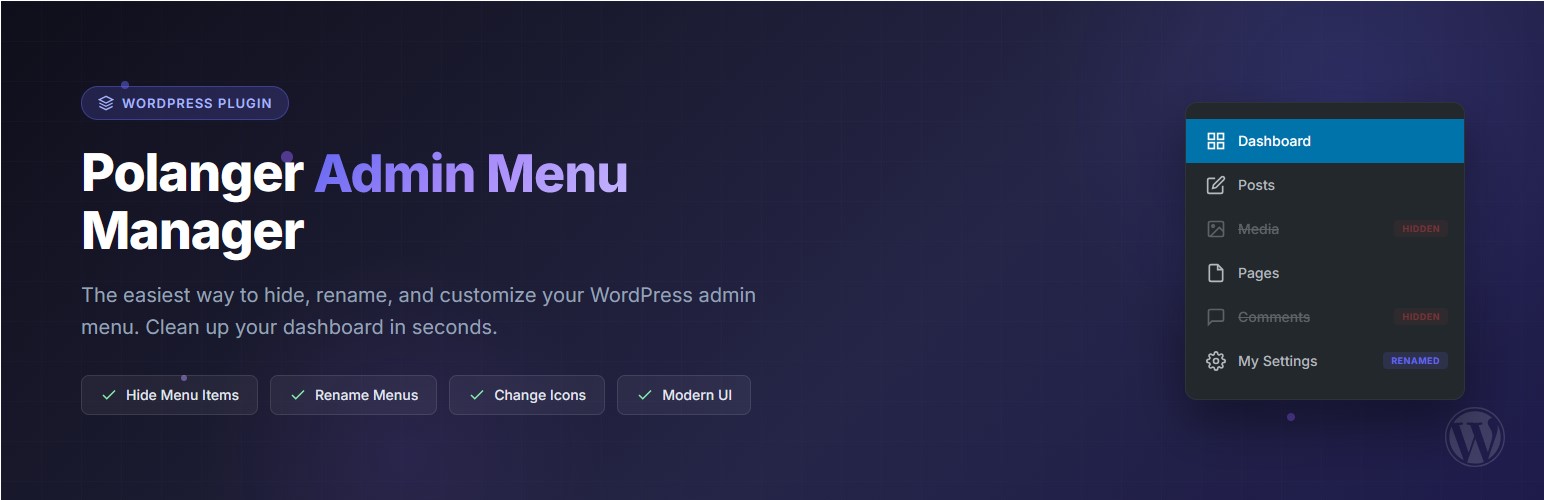
Polanger – Admin Menu Manager is a lightweight and powerful admin menu editor that gives you full control over your WordPress admin menu. Whether you want to hide admin menu items, rename them, or change their icons – this plugin makes it simple.
Clean up your WordPress dashboard menu by hiding unnecessary items, give custom names to menu entries, and personalize icons – all from a beautiful, modern interface. Perfect for developers, agencies, and site owners who want a cleaner dashboard menu hide experience.
Why Choose This Admin Menu Editor?
- Simple & Fast – No bloat, just the features you need
- Hide Admin Menu Items – Remove clutter from your WordPress sidebar instantly
- Dashboard Menu Customization – Full control over your admin area
- Visual Feedback – Color-coded indicators show what’s hidden or modified
- No Coding Required – Point and click interface
Features
- Hide Menu Items – Hide any main menu or submenu item from the admin sidebar
- Rename Menu Items – Give custom names to any menu or submenu item
- Change Icons – Choose from 200+ Dashicons to customize menu icons
- Submenu Support – Full control over both main menus and their submenus
- Visual Indicators – Color-coded rows show hidden, renamed, and modified items at a glance
- Reset Option – Easily reset all settings to defaults with one click
- Modern UI – Clean, intuitive interface that fits perfectly with WordPress admin
Pro Features
Take your WordPress admin control to the next level with Polanger Admin Menu Manager Pro.
Menu & Admin Bar:
* Role-based menu visibility – Show/hide menus per user role
* Block direct URL access – Prevent bypassing hidden menus
* Admin bar customizer – Hide or rename admin bar items
Security Features:
* Two-Factor Authentication (2FA) – Email-based verification codes
* Custom login URL – Hide wp-login.php from attackers
* Google reCAPTCHA v2/v3 – Protect login forms
* Brute force protection – Block repeated failed attempts
* Recovery keys – Backup access for 2FA
Activity & Monitoring:
* Activity log – Track all admin actions with timestamps
* Email alerts – Get notified of critical events
* Export logs – CSV and JSON export options
* IP tracking – See who accessed what and when
Login Page Customizer:
* Custom logo and background
* Custom colors and styling
* “Remember Me” default option
* Hide language switcher
Dashboard Widgets:
* Hide or show widgets per role
* Reorder dashboard widgets
* Clean up WordPress dashboard
Additional Features:
* Access control – Restrict plugin settings to specific users
* Read-only mode – Allow viewing without editing
* Super Admin protection – Prevent lockouts
* Priority support – Fast response times
Installation
- Upload the
polanger-admin-menu-managerfolder to the/wp-content/plugins/directory - Activate the plugin through the ‘Plugins’ menu in WordPress
- Go to Settings > Polanger Admin to configure your admin menu
FAQ
-
After activating the plugin, go to Settings > Polanger Admin. You’ll see a list of all admin menu items. Simply check the box next to any item you want to hide from the dashboard menu.
-
Yes, hiding a menu item only removes it from the sidebar. Users can still access the page if they know the URL. For access control, consider upgrading to Pro version.
-
Can I reset all my changes?
-
Yes! There’s a “Reset All Settings” button at the bottom of the settings page that will restore all menus to their default state.
-
Yes, the plugin works with all menu items including those added by themes and other plugins.
-
Is this plugin multisite compatible?
-
Yes, the plugin works on multisite installations. Each site can have its own dashboard menu settings.
समीक्षा
There are no reviews for this plugin.
Contributors & Developers
“Polanger – Admin Menu Manager” is open source software. The following people have contributed to this plugin.
Contributors
Translate “Polanger – Admin Menu Manager” into your language.
Interested in development?
Browse the code, check out the SVN repository, or subscribe to the development log by RSS.
Changelog
1.2.1
- Fixed: Submenu reordering now saves correctly – drag & drop for submenus works as expected
- Fixed: Submenu order persistence issue resolved with proper slug encoding
- Improved: Better handling of special characters in menu slugs for submenu ordering
- Developer: Added pdtEncodeSlug JavaScript function for consistent slug encoding
1.2.0
- New: Drag & drop menu reordering – Easily reorganize your WordPress admin sidebar by dragging menu items to your preferred position
- New: Submenu reordering support – Reorder submenu items within their parent menu using intuitive drag handles
- New: Menu order persistence – Your custom menu order is saved and applied across all admin pages
- New: Visual drag indicators – Clear visual feedback with placeholder highlighting during drag operations
- Improved: Fully responsive mobile interface – Settings page now works seamlessly on tablets and smartphones
- Improved: Mobile-optimized card layout – Menu items display as easy-to-manage cards on smaller screens
- Improved: Touch-friendly controls – All buttons and checkboxes are properly sized for touch interaction
- Improved: Adaptive table design – Table headers hide on mobile with intuitive card-based layout
- Improved: Better overflow handling for dropdown menus and modals on all screen sizes
- Improved: Enhanced CSS with modern flexbox and grid layouts for consistent cross-device experience
- Improved: Smoother animations and transitions throughout the interface
- Fixed: Table overflow issues on narrow screens
- Fixed: Icon picker modal now displays correctly on mobile devices
- Developer: Added jQuery UI Sortable integration for drag & drop functionality
- Developer: New data attributes (data-slug, data-sub-slug) for better JavaScript handling
1.1.0
- Fixed: Submenu items with special characters in slugs (e.g. “Upgrade to Pro”) can now be hidden properly
- Fixed: Menu order in settings now matches the actual WordPress admin sidebar order
- Fixed: Removed “Links” menu from the list when the user does not have the required capability
- Improved: Menu slugs are now safely encoded to prevent data loss during save
- Improved: Menu hiding now runs at a later priority to catch all plugin menus including WooCommerce
- Improved: Added fallback removal for stubborn menu items that resist standard WordPress removal
- Added: Automatic migration from old settings format to new format
1.0.0
- Initial release
- Hide main menu items
- Hide submenu items
- Rename main menu items
- Rename submenu items
- Change menu icons with Dashicon picker
- Color-coded visual indicators
- Reset all settings option
- Modern, responsive UI